Control Reaper Articulations
from Any Device
A wireless remote for expression maps. Tap to switch articulations. Works with any iPad, tablet, touchscreen display or regular display with a mouse.
View on GitHub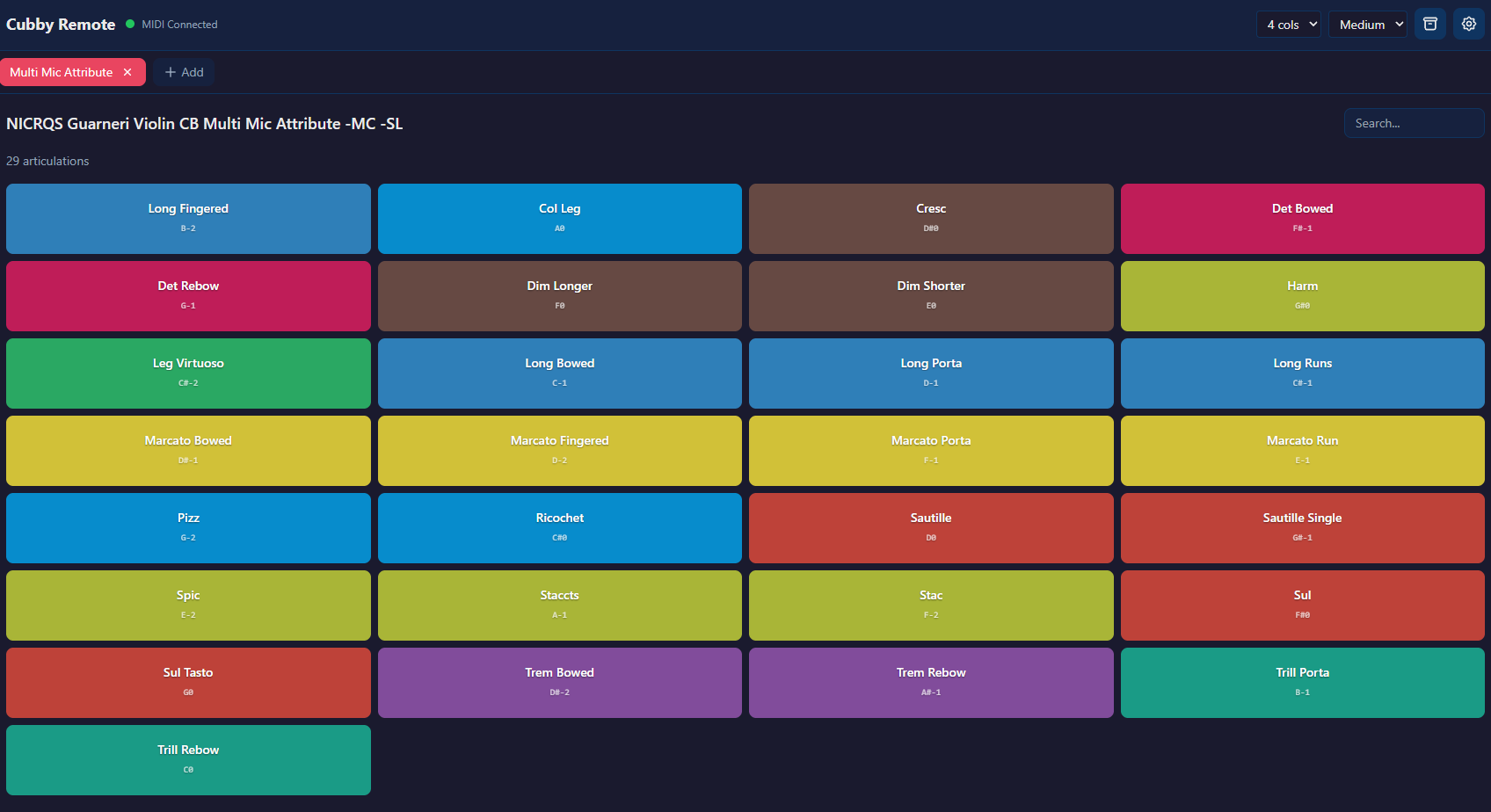
Why Cubby Remote?
The simplest way to control your articulations while composing
No Cables, No Apps
Works in any browser over WiFi. No app downloads, no MIDI cables. Just open the URL and start playing from any device.
Follows Your Session
Select a track in Reaper, and Cubby automatically loads the matching articulation map. Stay in your creative flow.
Use Your Own Maps
Drop in your Reaticulate bank files. Cubby reads them directly - no conversion or setup needed.
How It Works
Get started in three simple steps
Install & Launch
Download Cubby Remote and run it. The app lives in your menu bar (macOS) and tray (Windows) and starts a local server. See the setup guide for MIDI configuration.
Connect Your Device
Open a browser on your device (iPad, tablet, touchscreen, or computer) and go to the address shown in the app (e.g., http://192.168.1.100:3000). That's it - you're connected.
Tap to Play
Your expression map appears as colorful buttons. Tap any articulation and hear it instantly in Cubase. For auto track switching make sure trackname and expression map name is identical.
See It In Action
A glimpse of the Cubby Remote features
Main Interface
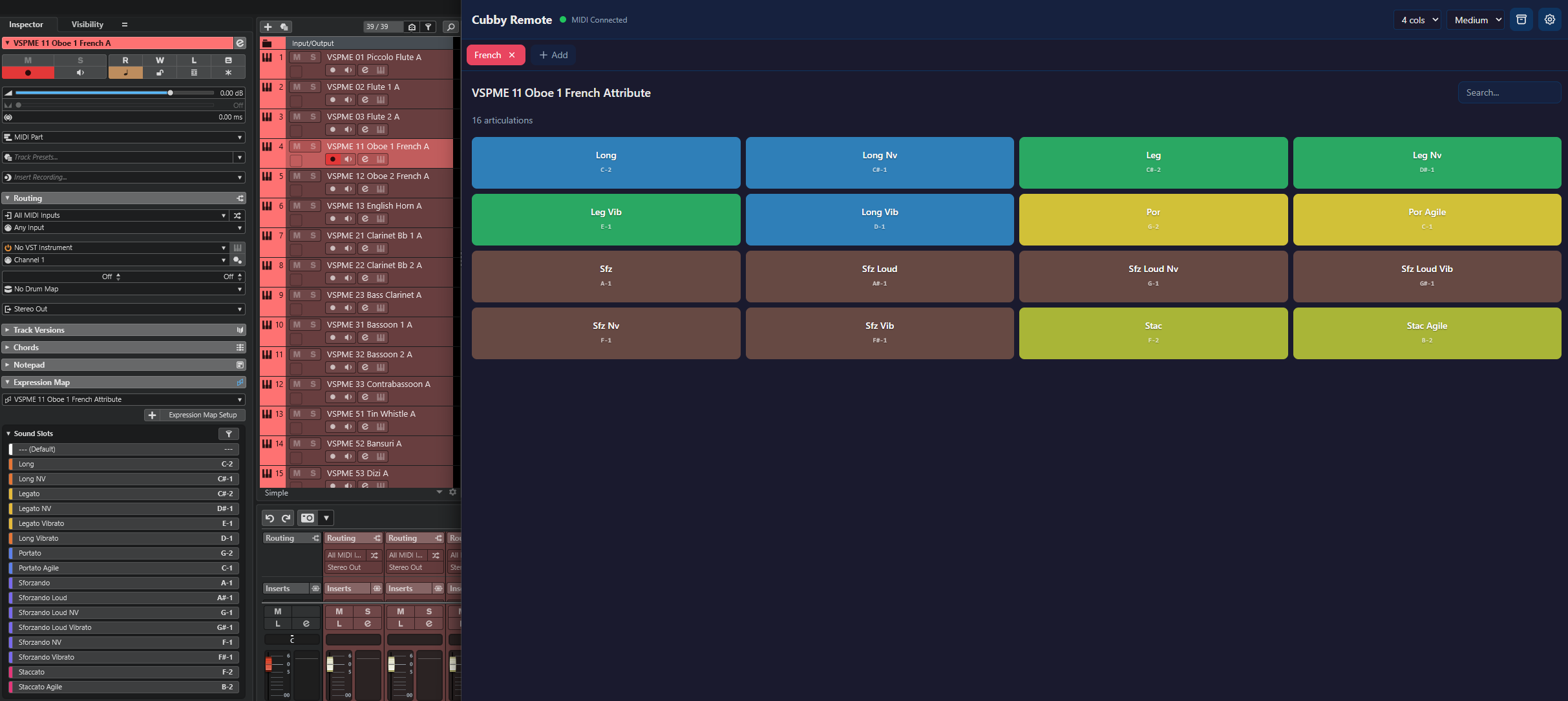
Auto Track Switching
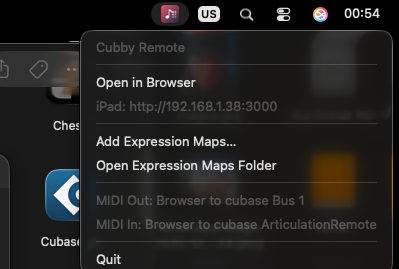
Mac Menu Bar App
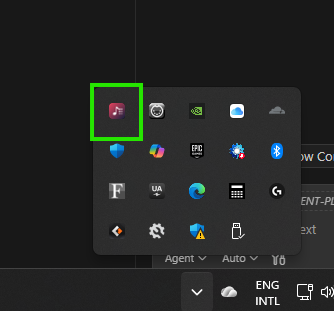
Windows Tray App
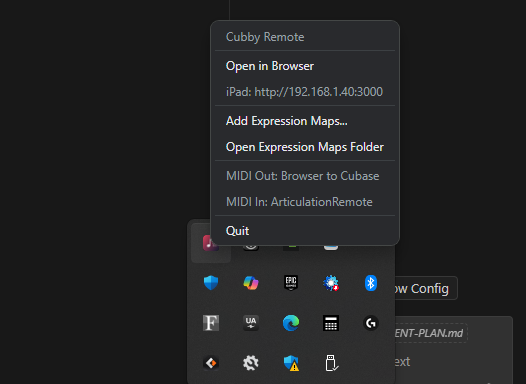
Options
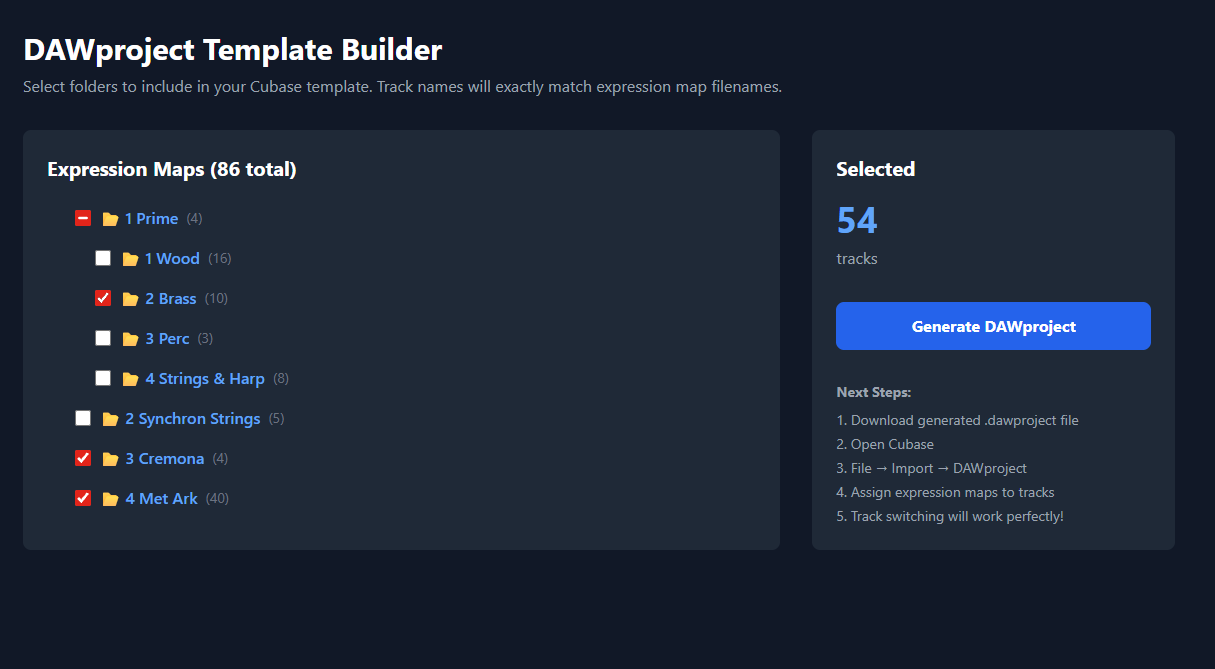
Template Builder
Get Cubby Remote
Free and open source. Available for macOS and Windows.
macOS
macOS 10.13+
Cubby.Remote-1.1.0-arm64.dmg
Cubby.Remote-1.1.0.dmg